
Freebies!
Welcome to my treasure trove of free goodies! Here, you'll find a mini tutorial on creating stunning mockups in Procreate, along with beautiful images you can use to craft your own unique designs. Dive in and unleash your creativity!
Tutorial: How to make a mockup in Procreate
Mockups are essential tools that bring your designs to life, showcasing how wallpaper, fabric, or patterns will look in real settings like bedrooms, nurseries, or stationery. They create an enchanting visual experience, allowing your audience to envision possibilities. When used wisely, mockups can be a powerful way to enhance your marketing efforts and captivate your customers.
Watch the tutorials
Create a mockup in Procreate:
Create a mockup template:
Here are some photo's you may use freely!
Tutorial: How to make a moving video from your pattern
As I mentioned in the previous tutorial, mockups are essential tools that bring your designs to life! What if it could really move and show your patterns on a model! That is just like magic! I have used a mockup that I got from Your Creative Mentorship hosted by Melissa Johnson, with a model wearing a dress that I filled with my embroidery pattern. With that image I created a 6 second video using this app. Here are the steps to make your own video! Update: Sadly the creation of videos with this app is no longer free... When I find a new tool, I will let you know!
Watch the tutorial
From this picture...

To this video!
Create a moving mockup:
Seamless Pattern Template
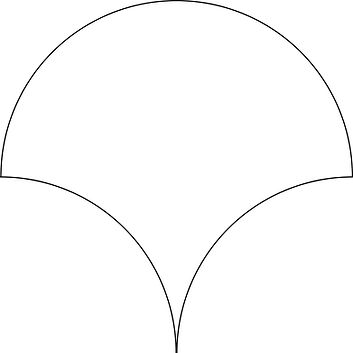
One of the tools that helped me get started in creating patterns, were templates. It gives you direction and limits of the pattern. It helps you stay within the right borders and it creates beautiful seamless patterns. To help you get started, I will share my most used templates! I got them from Jasmine Hnatkova, a surface pattern designer and I love her work! Download it using the PDF button ->


Contact
I'm always looking for new and exciting opportunities. Let's connect.

